Measurements Tool
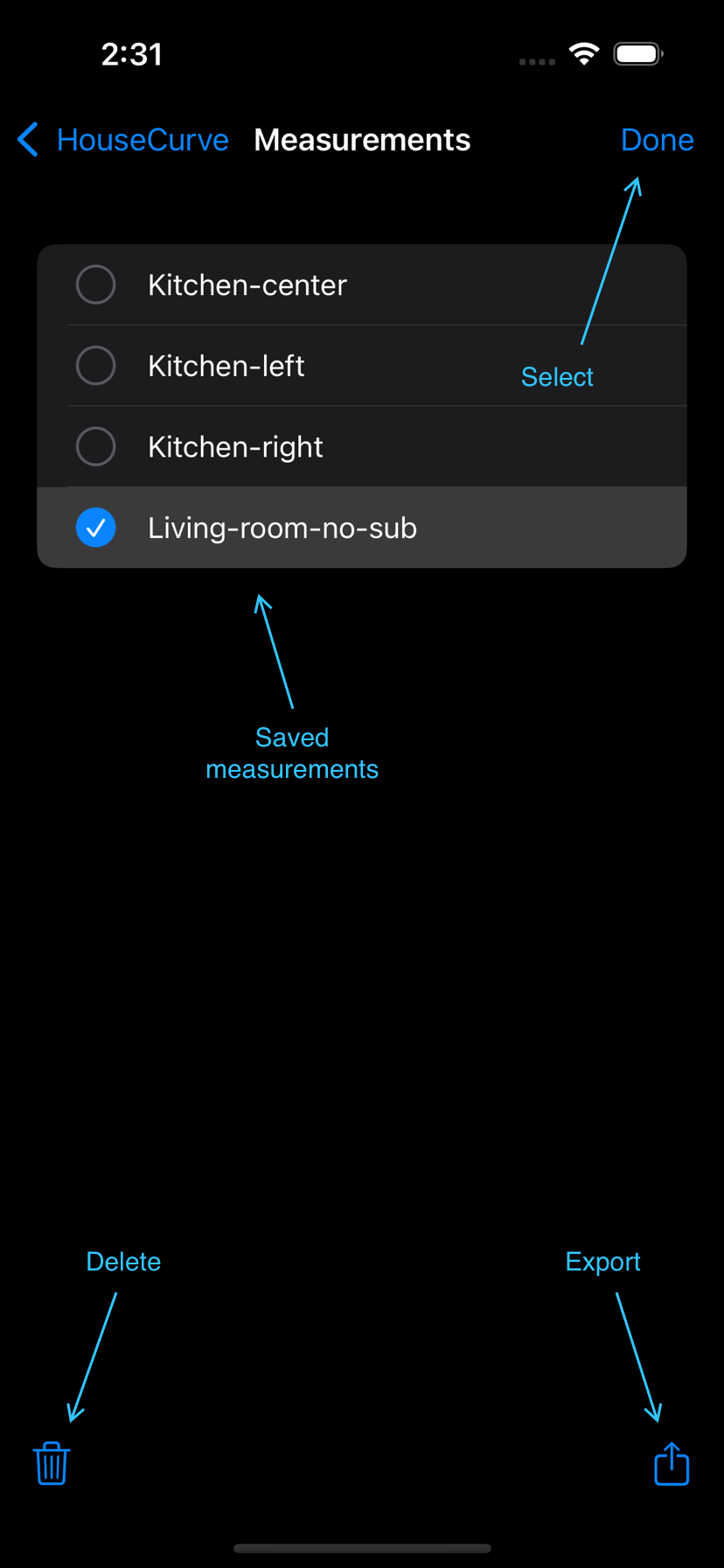
The Measurements tool is an organizer for measurements saved by the Sweep and Real Time tool. Use it to view, compare, export and delete measurements.
View Measurement
Tap a measurement to display. The plot has controls similar to the Sweep tool.
Selection
Tap “Select” to choose measurements.
Delete
Tap  to delete selected measurements.
Compare
Select up to 5 measurements and tap  to compare them on the same plot.
The compare plot has controls similar to the Sweep tool. Tap  and
and  to choose which measurement is focused. The cursor and automatic curve fit will follow the focused measurement. Use a manual curve fit to stop the target curve from shifting.
Export
Tap  to export selected measurements as impulse responses.
Note - this feature is only available with a Tuning Bundle purchase.